Multi-entity management
How onboarding multiple entities and business, within one dashboard, open multiple accounts under one entity and send money globally.
01
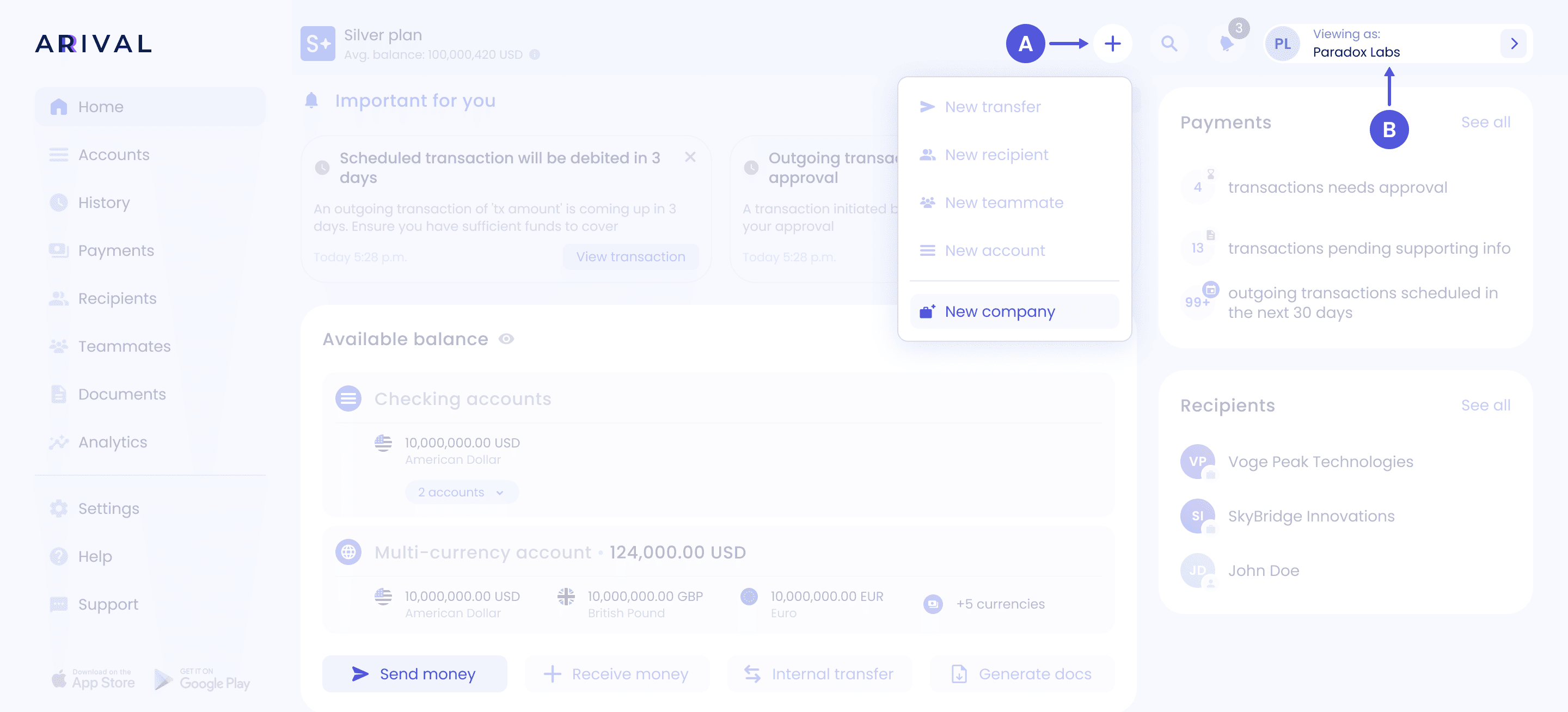
How to create a new entity
You can start creating a new entity right from the dashboard a) click "+" - "New company" or b) click here on the entity name

02
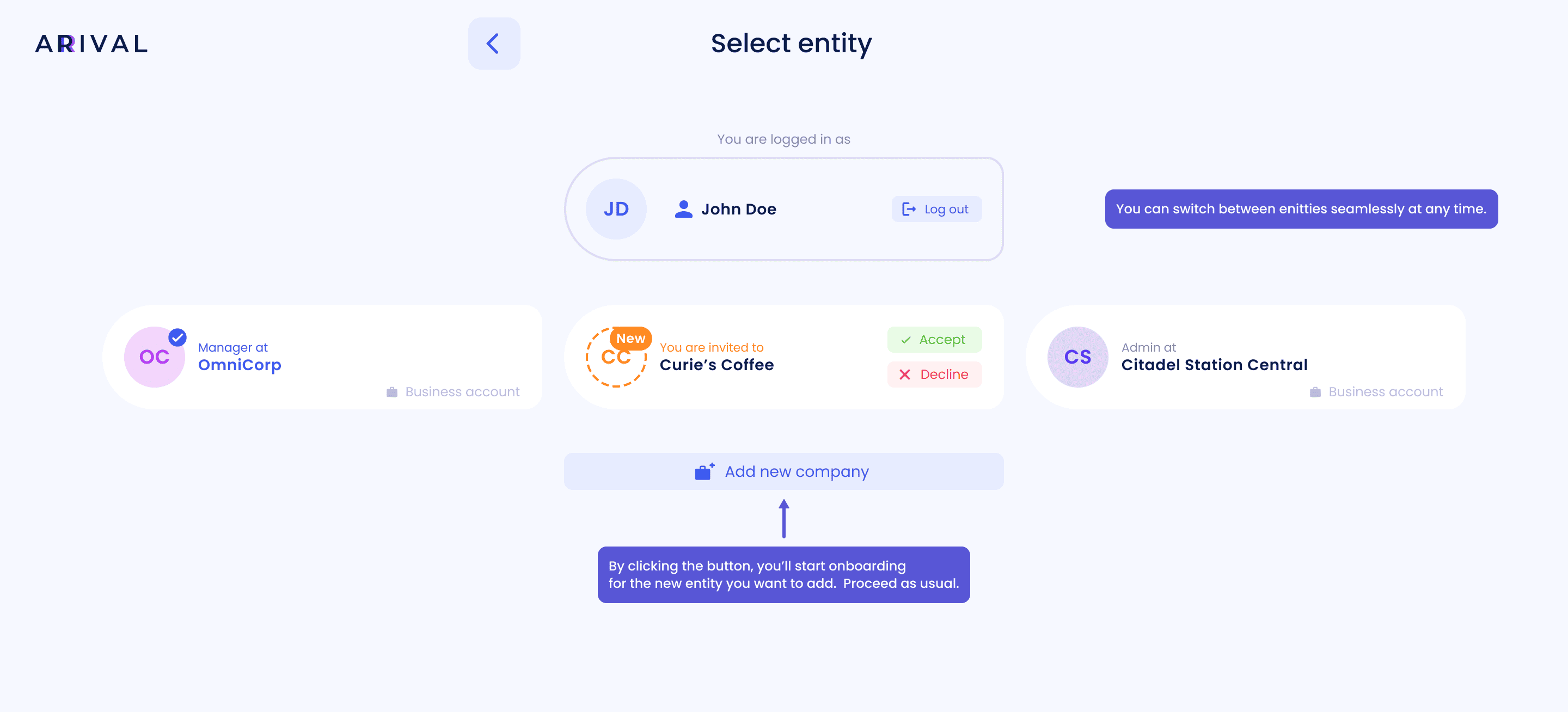
Entity selector
How to add another account into existing entity?
01
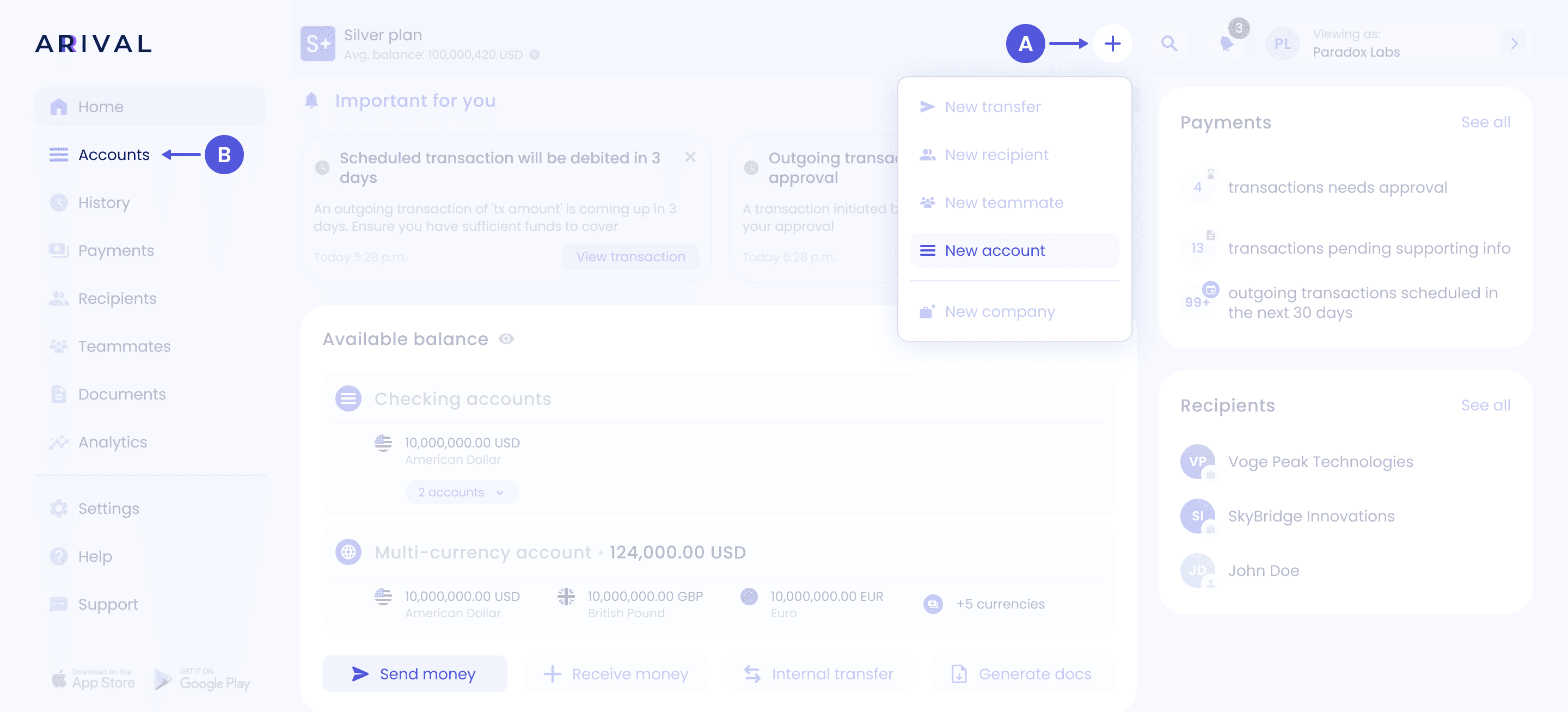
Steps to create a new account
You can do this one of several ways:
Home page:
a. Click “+” - "New account"
b. Click “Accounts” - “Add new account”
02
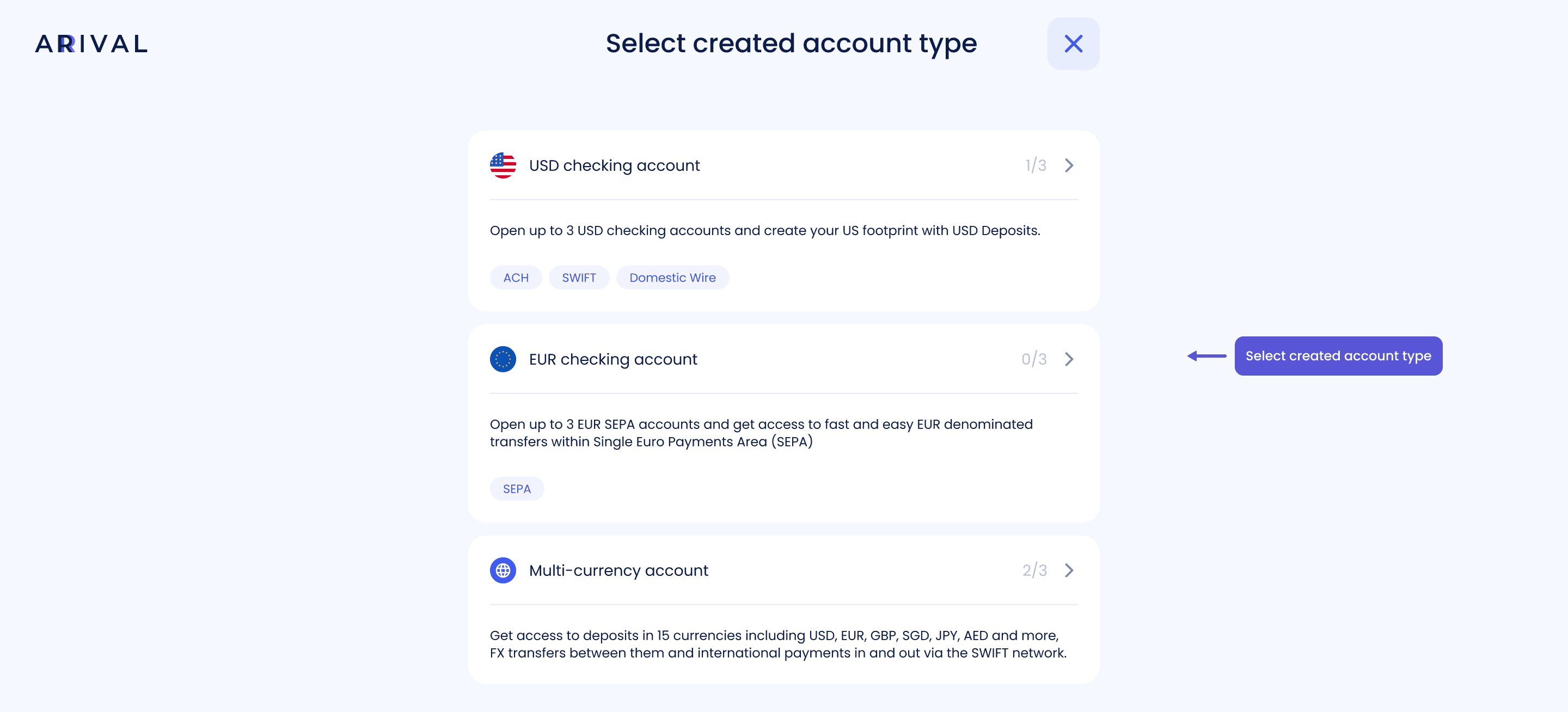
Account type
03
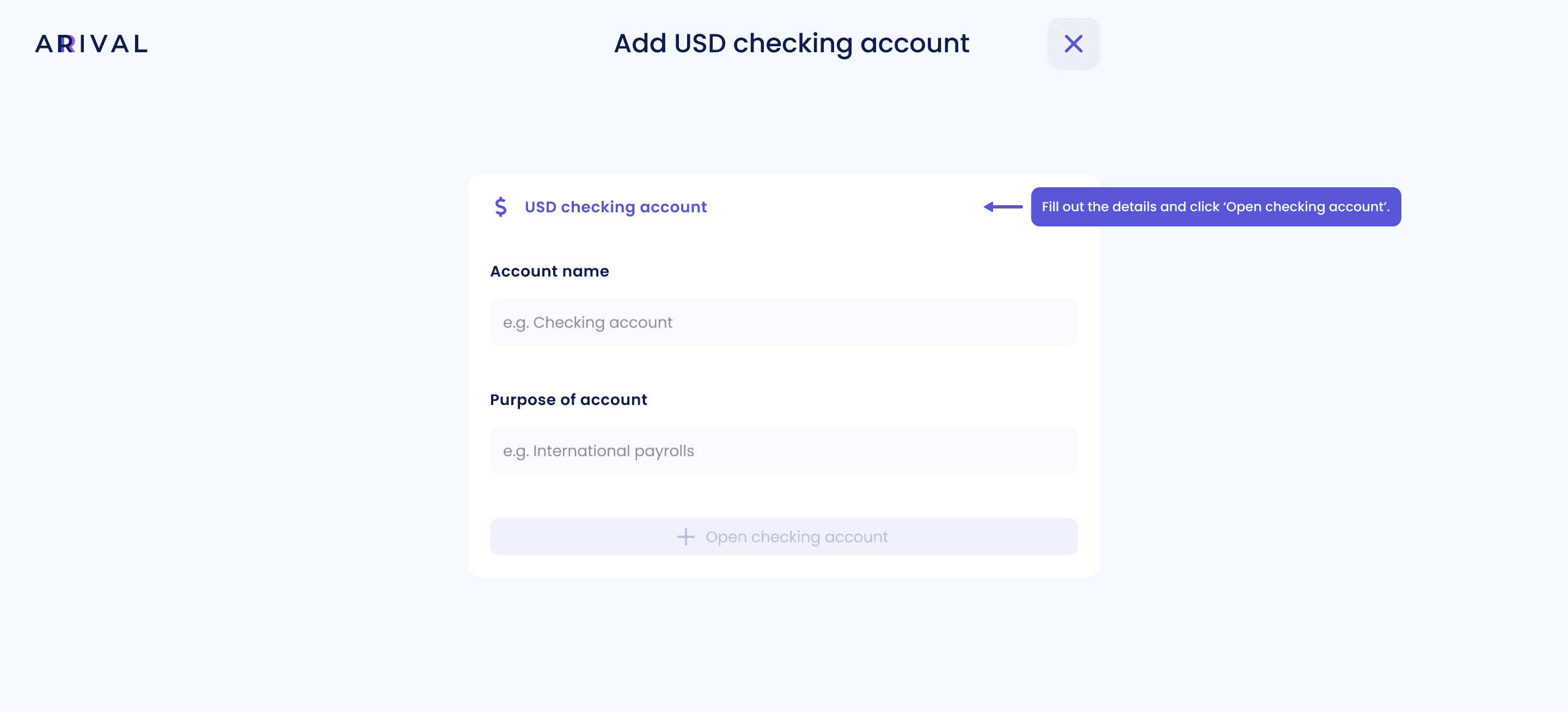
Add and confirmation